
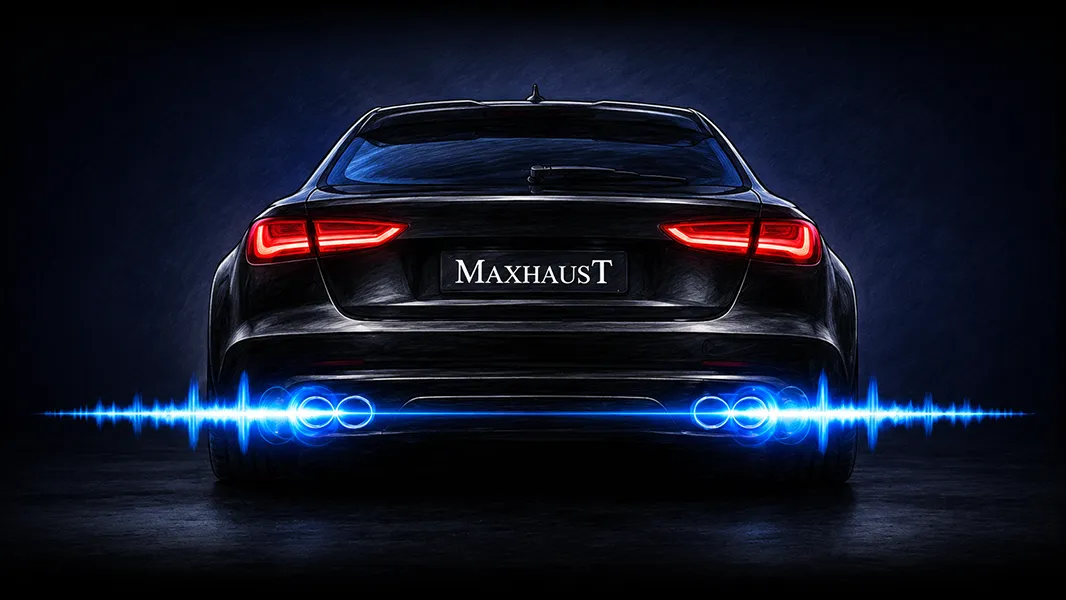
The best-selling system
Active Sound
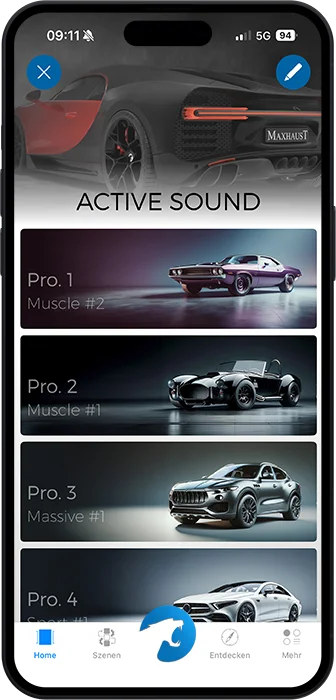
The sound of a V8 muscle car or a race car: the system generates powerful, high-volume engine and electric sounds for any vehicle. Diesel, gas, hybrid, or electric.
Take a listen
Learn more

Maxhaust · Made in Germany
Whether it’s Active Sound, air suspension, exhaust valve control, pedal tuning, or ambient lighting: every Maxhaust product is controlled through the Bridge.
Configure your vehicleProducts
Every system works on its own, and they all work together. Take one, take them all, or start with one and build out later.
The best-selling system
The sound of a V8 muscle car or a race car: the system generates powerful, high-volume engine and electric sounds for any vehicle. Diesel, gas, hybrid, or electric.
Take a listen
Learn more
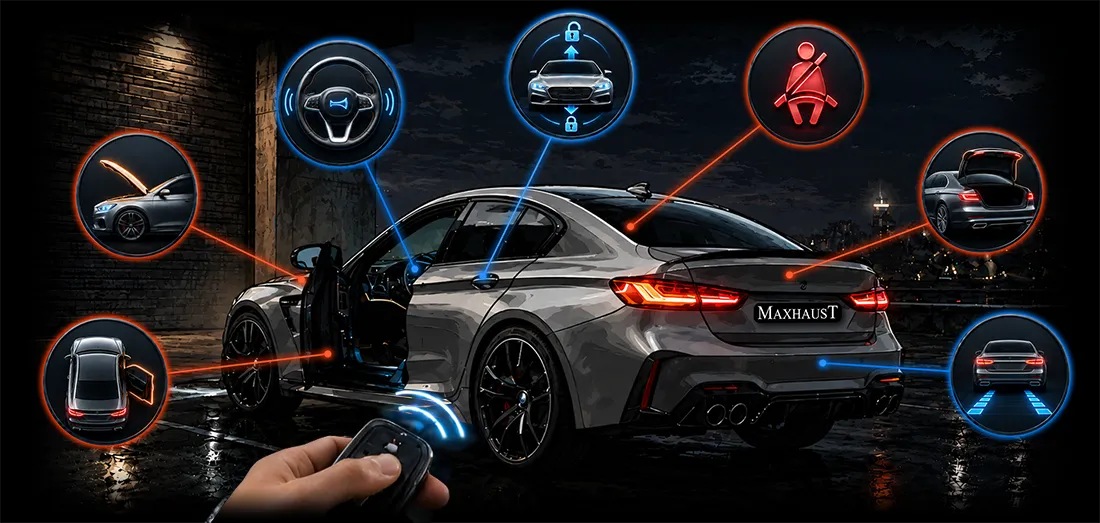
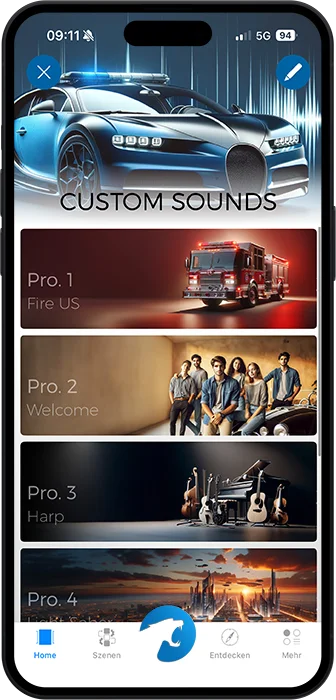
Over 140 effect sounds for doors, horn, and central locking. Or your very own, self-recorded sound.
Learn more
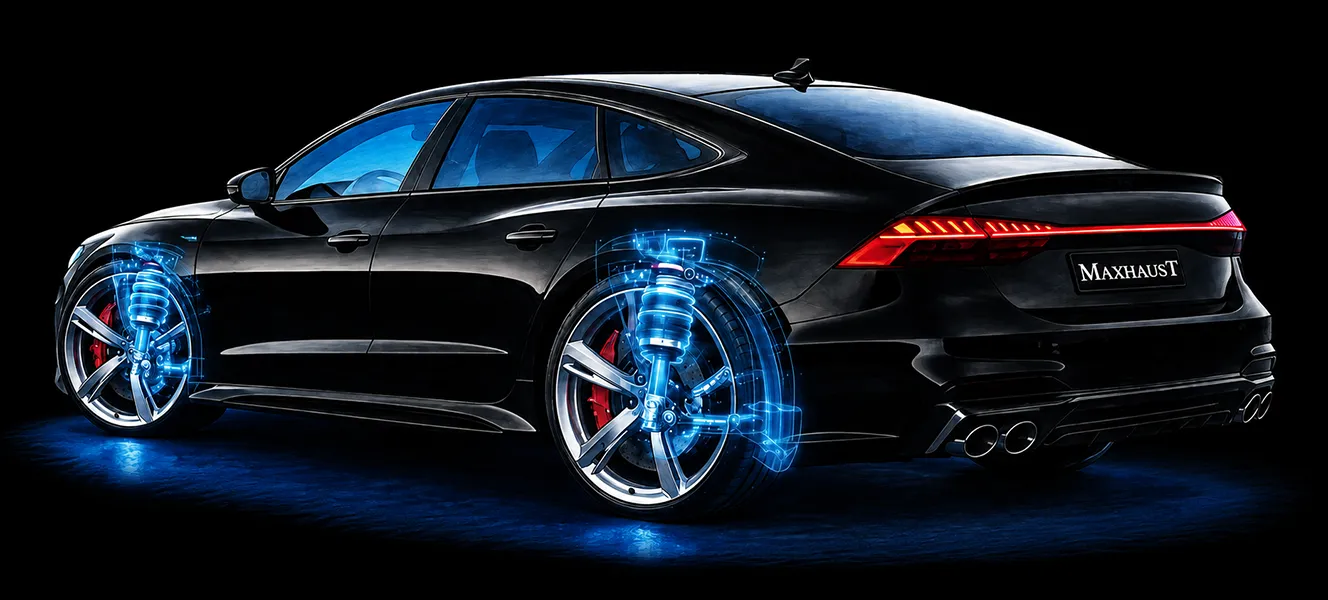
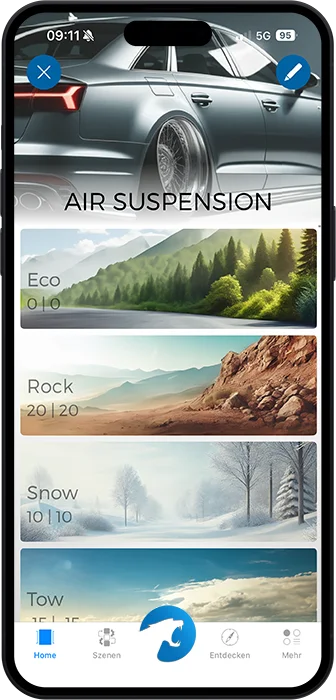
Lowering via app for vehicles with factory air suspension, back to stock anytime.
Learn more
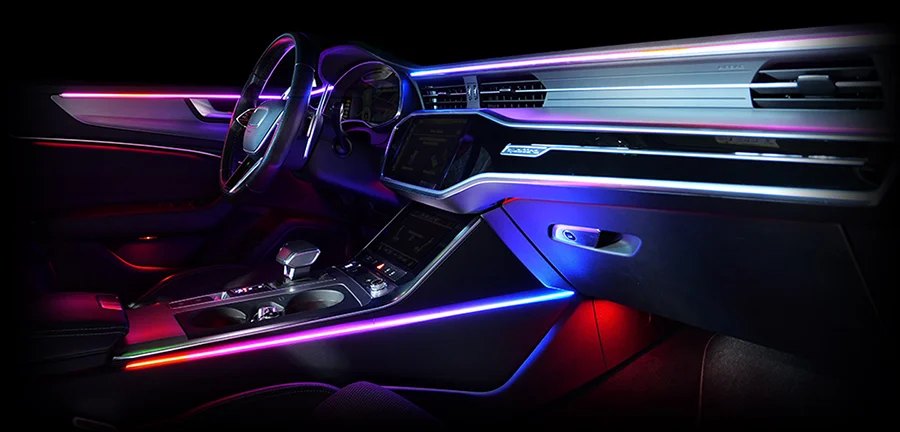
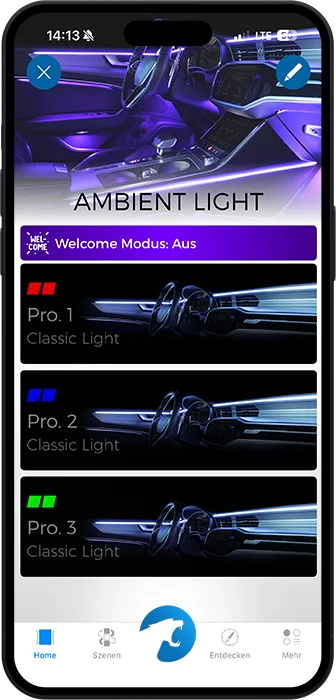
Retrofit interior lighting in millions of colors, multiple zones, and with animations.
Learn more
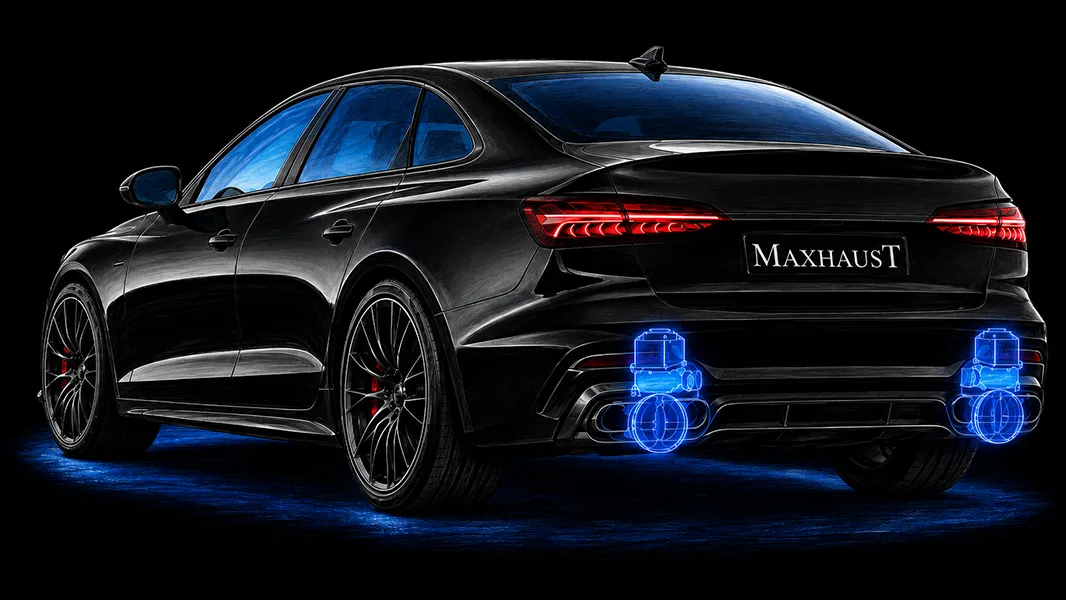
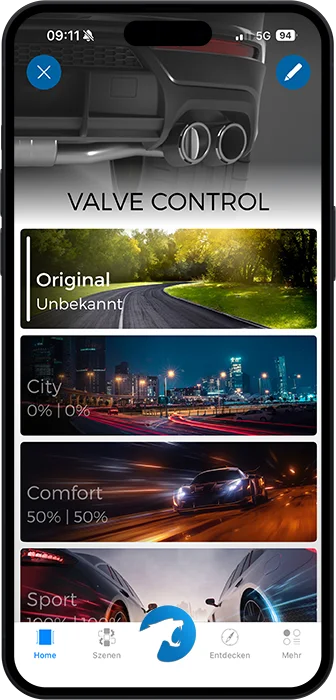
Exhaust valve control via app in three modes, with a safety opening that protects the engine.
Learn more
DTE Systems
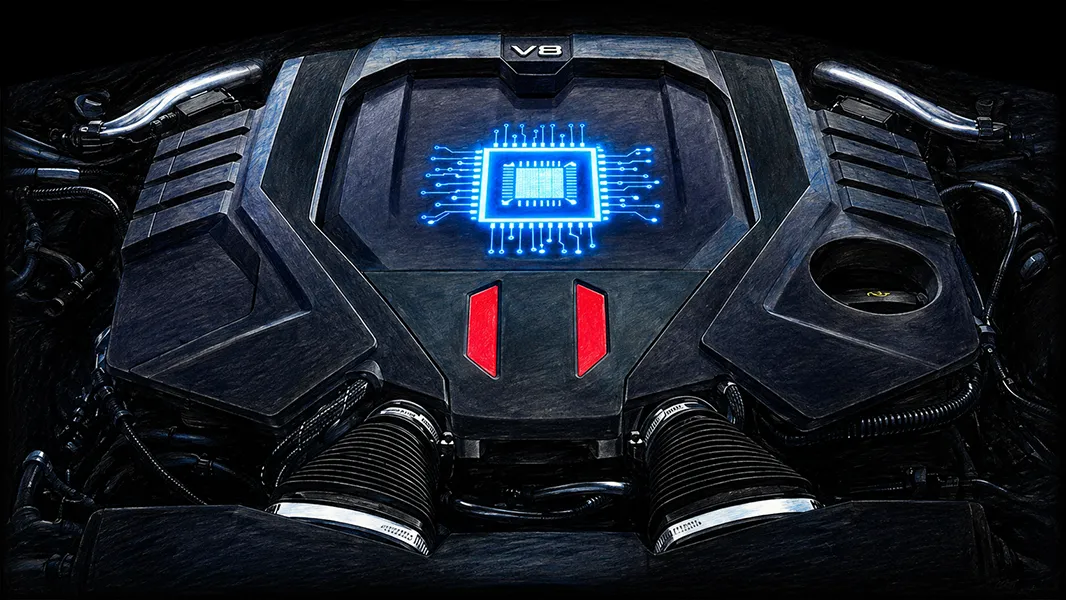
Chip tuning via Plug & Play: up to 30% more hp and torque, with TÜV parts certificate.
Learn more
DTE Systems
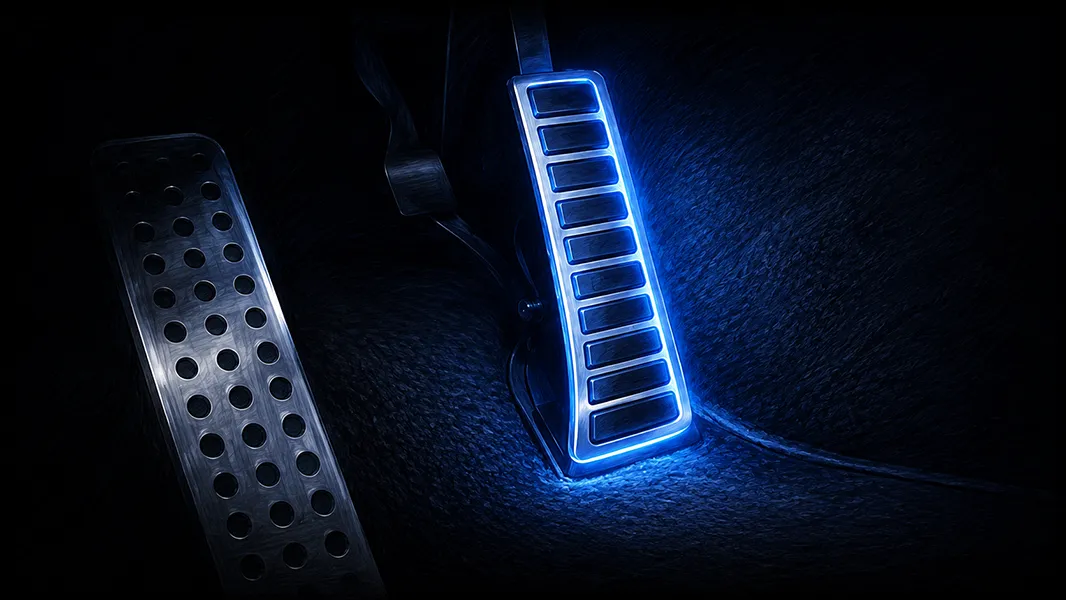
Five drive programs from Eco to Sport Plus, for noticeably faster throttle response.
Learn more
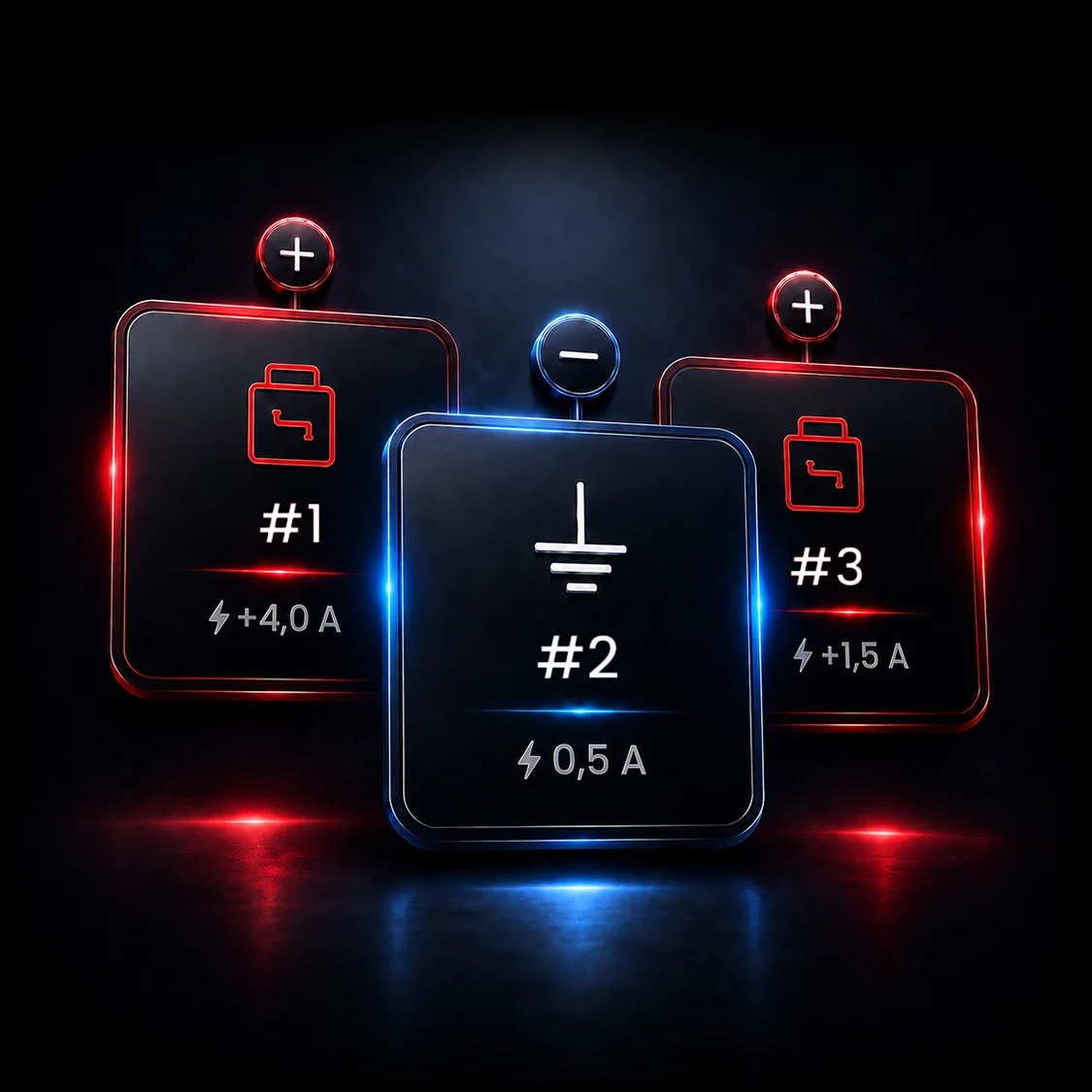
Three switchable outputs, right on your Maxhaust Bridge, without touching the vehicle software.
Learn more
Scenes
A scene is a trigger plus everything that happens next. You build it once in the app. After that, your phone stays in your pocket.
You unlock the car: welcome sound, Ambient Light in your color, chip tuning active. Before you’re even in the seat, your vehicle is set up exactly the way you want it.
One press of the drive experience button: sound profile Sport #3, valves open, sharper throttle response. Three systems, one button.
The cruise control button mutes the sound, a second press brings it back. Cruise control itself keeps working as usual.
You shift into reverse: a dedicated warning sound alerts pedestrians and cyclists to your presence, the PowerHub switches on the reverse light, and the engine sound steps back.
Late drive home: dimmed Ambient Light, subtle sound, closed valves. The neighborhood sleeps on.
Handing over your keys: pedal in Limit Mode, power back to stock, sound off, dashcam on, for valet parking or the shop.
All examples run without touching the vehicle software. The original button function stays intact.
Bridge & App
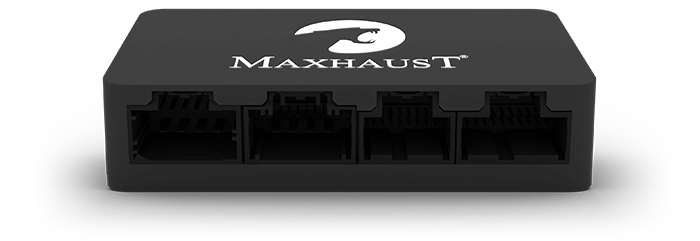
Every system gets its own section in the app. The Bridge in your vehicle holds it all together.
In three steps
Enter your make, model, and model year in the configurator. You’ll instantly see which of the eight systems are approved for your vehicle.
Open the configuratorInstallation at our factory, a certified partner near you, or the plug-and-play wiring harness for everyone who likes to wrench.
Discuss your installationConnect the Bridge, create profiles, map scenes to your vehicle buttons. From then on, your car responds on its own.