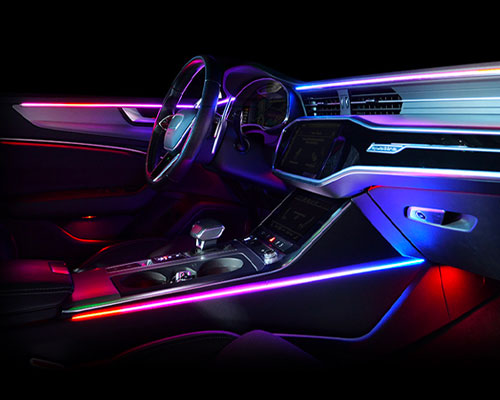
Lighting
- Ambient and footwell lighting
- Trunk or engine bay LEDs
- Underglow lighting for show cars
- Extra interior lighting for camping and overlanding
#1#3

Powered by Bridge
Three switchable outputs, right on your Maxhaust Bridge. Switch lights, a dash cam, USB charging or accessories from the app, with a vehicle button or automatically through scenes. Larger loads run through an external relay. No changes to your vehicle’s software.
Power distribution
One Bridge, three outputs, countless possibilities.
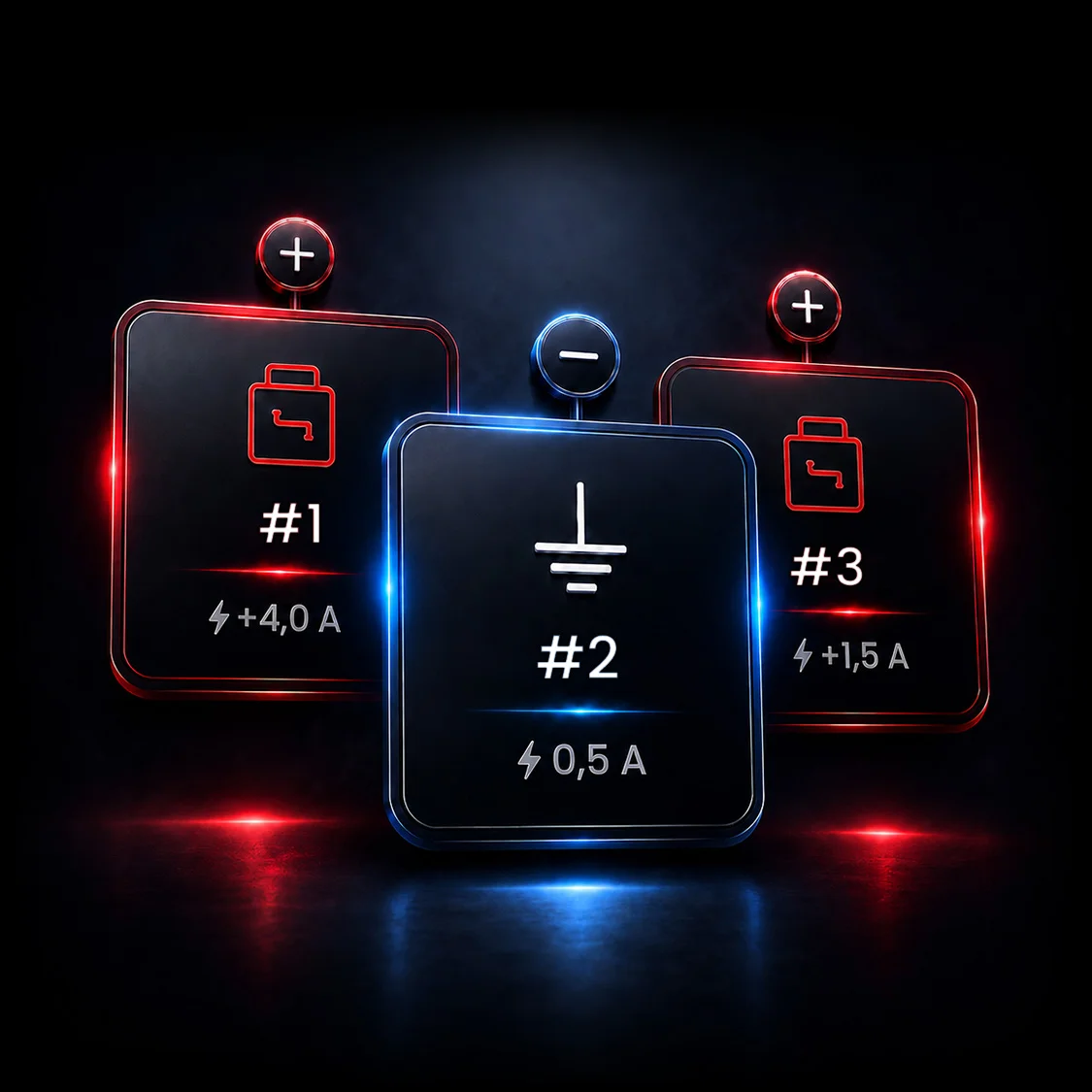
The PowerHub turns your Maxhaust Bridge into the control center for your accessories. It provides three independently switchable outputs: two positive outputs for your devices and one ground output for controlling external relays.
Each output gets its own name, its own icon and its own logic. Switch it in the app, assign it to a vehicle button or let it react automatically: when you shift into reverse, switch off the ignition or lock the vehicle.
Overcurrent and short-circuit protection are built in. When you park, all outputs switch off unless you’ve set a run time. In that case, your accessories keep running for up to 24 hours, even with the vehicle locked, and then shut off automatically.
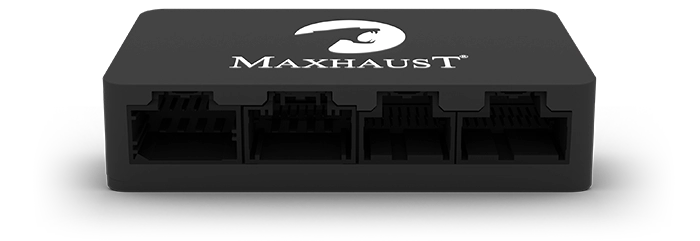
Output assignment
The outputs
Every output offers three switching modes:
Switched positivemax. 4.0 A
The heavy-duty output. This is where you connect anything that needs more current: LED work lights, underglow lighting, light bars or extra interior lighting in your camper.
Switched groundmax. 0.5 A
The control output. It switches external relays, so it can power even large devices like an air compressor, a cooler or auxiliary lights. Or it sends a control signal to third-party devices such as an alarm system.
Switched positivemax. 1.5 A
The output for small devices. Ideal for a dash cam, USB charging port, Wi-Fi hotspot or GPS tracker that should keep running for a set time after you park.
Virtual load calculator
Assign a device to each output. The calculator instantly shows how much current is flowing, how much headroom is left and when an output goes into overload. The devices listed are examples; you can connect almost anything.
Wiring diagram
Total load0.0 A
Out of 6.0 A total current across all outputs.
Assign devices
Tap a dropdown and choose what’s connected to that output. The output switches on to match.
0.0 A of 4.0 A
External relay via output 2
0.0 A of 0.5 A
Control signals only, no loads
0.0 A of 1.5 A
Output 1 or external relay
Example values for guidance. You’ll find the actual current draw on your device’s rating label. If an output isn’t enough, switch your device through an external relay controlled by the ground output. Long run times drain the vehicle battery, so choose a run time that suits your device.
Use cases
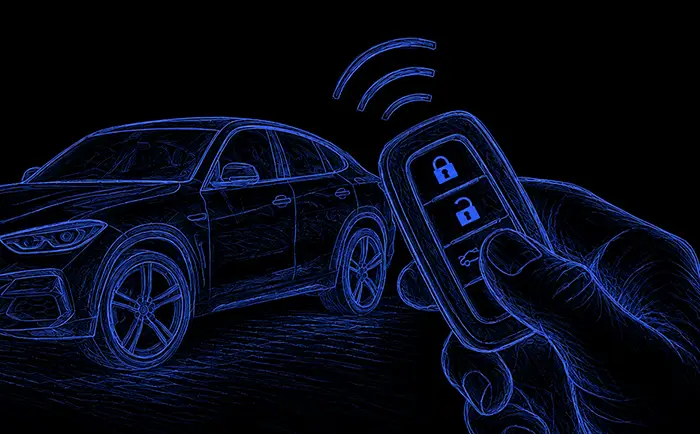
From interior light strips to a work light at the rear: the PowerHub powers your accessories directly or switches them through a relay. One output, one cable, done.
#1#3

#3

#1#2#3

#2#3

#1
#2
Automation
The PowerHub doesn’t need your smartphone. Link its outputs to your vehicle’s buttons and states. Choose a trigger and see what happens.
Choose a trigger
How your vehicle responds
Just a few examples of many. Which triggers are available depends on the vehicle and its equipment. You can combine them freely in the app.
Your settings are stored on the Bridge, not on your phone. So the PowerHub switches even when your smartphone stays in your pocket or isn’t with you at all.
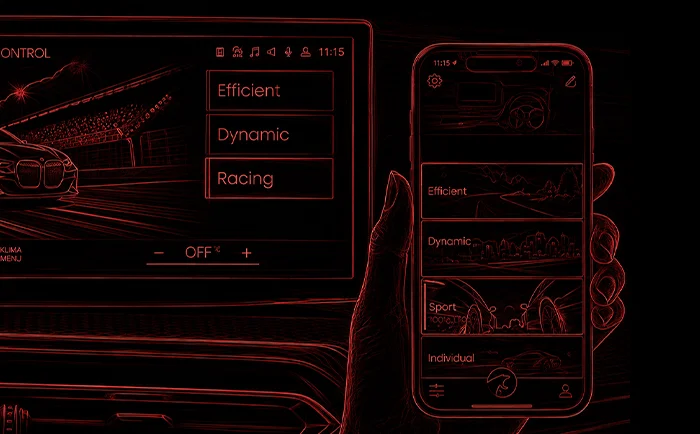
Vehicle buttons can be assigned multiple functions. A long press on the drive mode button switches your lights; a short press still changes the drive mode.
Protection by design
An add-on device should never become a risk. The PowerHub protects each output individually and only stays on as long as you want it to.
Every output knows its limit. If the limit is exceeded, the output shuts off before wiring or devices are damaged.
A short circuit in an accessory won’t take down your vehicle. The affected output disconnects; all others keep running.
An output stays on until you switch it off or its run time ends. Even with the vehicle locked, you can switch it off in the app at any time.
Set a run time of up to 24 hours for each output. When time’s up, it’s off, whether you remember or not. Without a run time, an output stays on until you switch it off, so keep an eye on your battery.
The PowerHub connects to the vehicle’s electrical system and the Bridge, not to the vehicle’s software. No coding, no traces, fully reversible.
Every PowerHub is activated with its license card and stays permanently paired with your Bridge. Protected against unauthorized access.
Maxhaust app
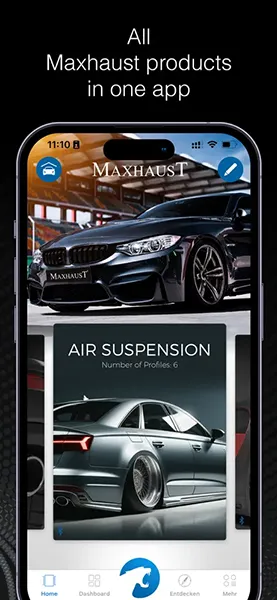
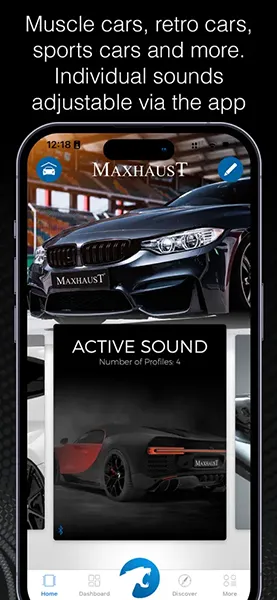
One ecosystem for all Maxhaust products.
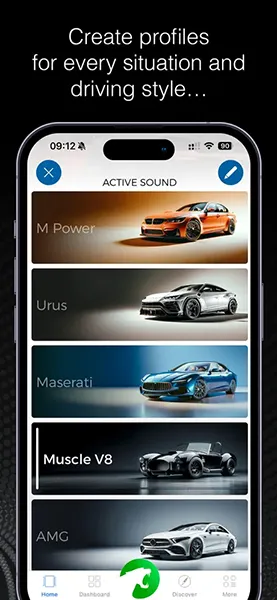
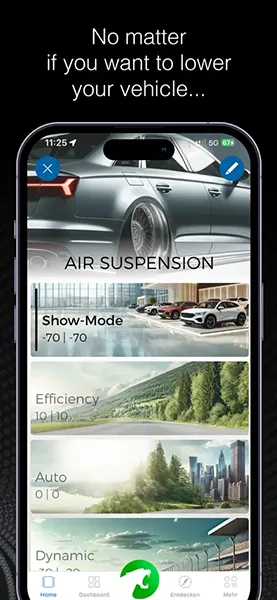
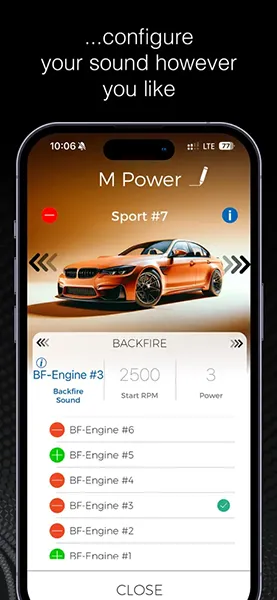
Names, icons, run times, triggers: you set up everything for your three outputs in the Maxhaust app. One tap switches an output, one swipe sets the order.
Your settings are stored securely on the Bridge. You only need your smartphone for setup; after that, everything runs on its own.
Download the app and get started: on the App Store for iOS devices and on Google Play for Android devices.

 Media-CarTec GmbH
Installation
Do it yourself or have it done? The PowerHub is plug & play, and we’re still here to help whenever you need us.
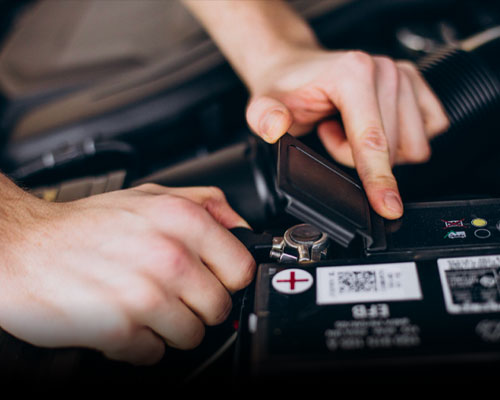
The PowerHub plugs into the Bridge and connects to positive and ground. After that, all that’s left is running the wires to your devices.
Configure nowRather have it done for you? The team at our Mainhausen plant or a certified installation partner near you will handle installation and setup.
Request an appointmentThe PowerHub always works together with the Maxhaust Bridge. The Bridge provides the app connection and the vehicle signals, and it stores your settings.
Discover the Bridge