
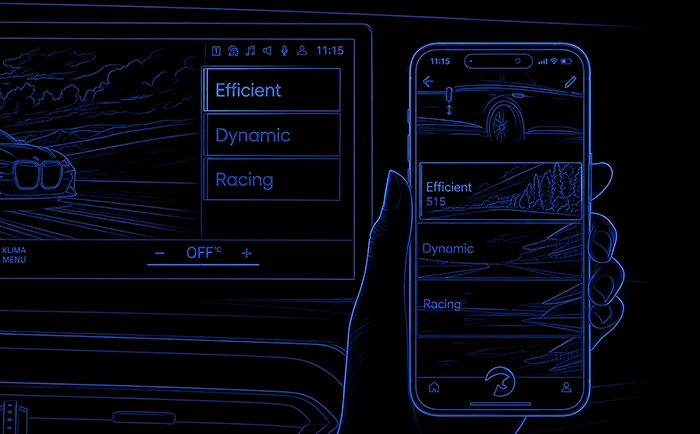
Smartphone-free operation
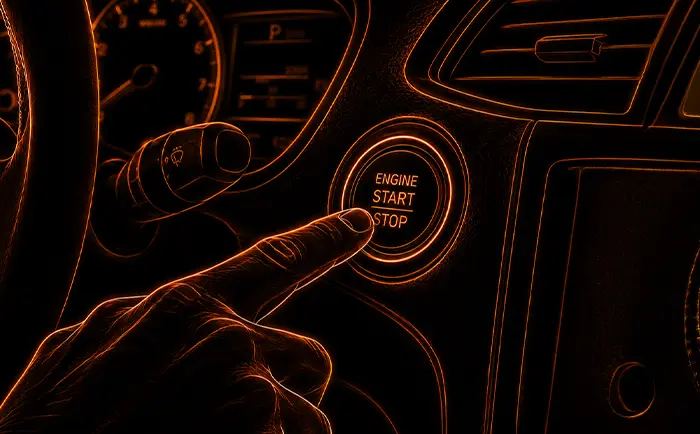
Leave your smartphone in your pocket while your car responds to your actions on its own. No changes to the vehicle software whatsoever, no voided warranty.

DTE Systems × Maxhaust
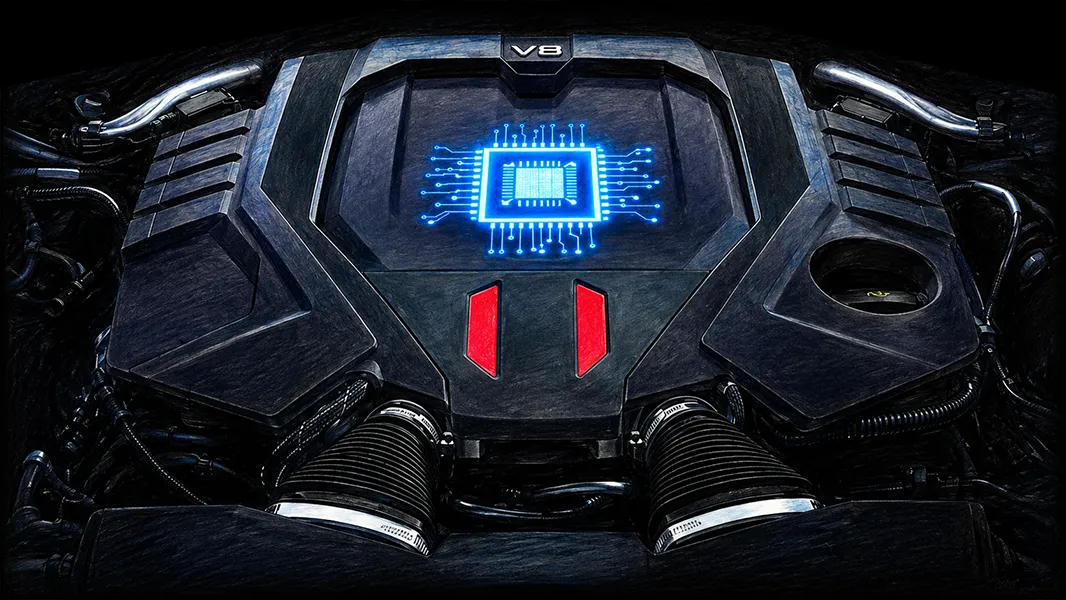
Chip tuning via Plug & Play: Power Control optimizes your engine and boosts performance, with up to 30% more hp and torque. Controlled via the app and your vehicle buttons, without touching the vehicle software.
The Partnership
The best of two companies: power from DTE, control from Maxhaust.
Maxhaust chose DTE PowerControl because we only wanted to integrate the best chip tuning solution into our Bridge and app. DTE Systems stands for outstanding performance, precision, and quality.
Only with the Maxhaust Bridge can you control the DTE PowerControl directly through your vehicle’s original buttons. Maximum power, full control, simple and convenient.
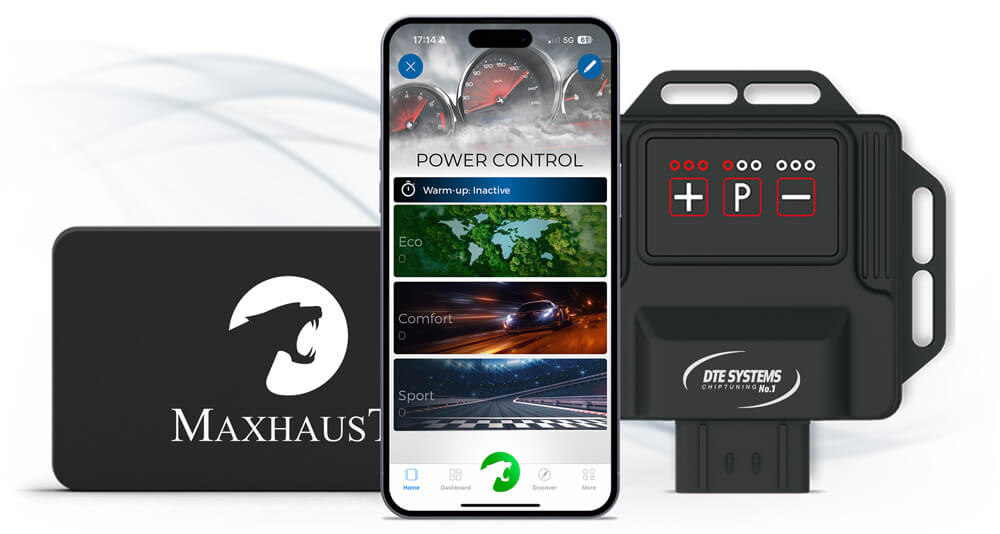
Eco, Comfort, Sport
Three fully customizable driving programs, each with seven power levels. Build your setup and see live what your engine delivers.
Sample values: 3.0-liter gasoline engine, stock 240 hp / 400 Nm. Actual figures depend on your vehicle; check your model in the configurator.
Virtual dyno
Power level4/7
The Eco mode improves engine performance and reduces fuel consumption by up to 15%, for fuel-efficient driving.
In Comfort mode, throttle response is enhanced: more agility across the entire RPM range, ideal for long trips.
In Sport mode, all engine settings are optimized for maximum performance: peak throttle response for a dynamic driving experience.
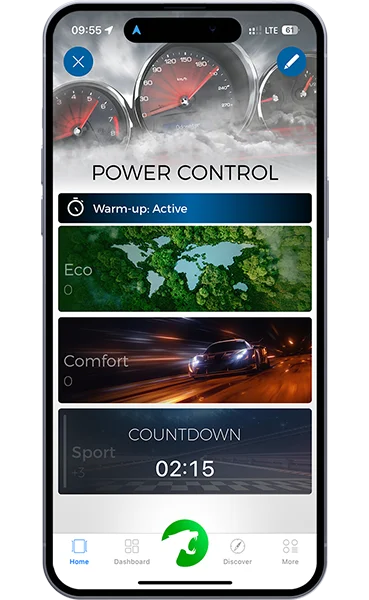
Engine Protection
Full power only when your engine is ready.
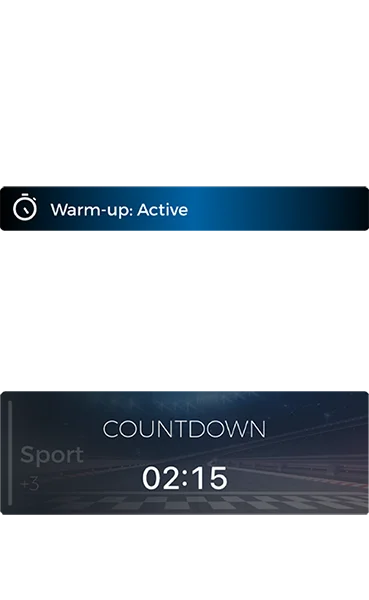
The Warm-up Timer reliably protects your cold engine: before your vehicle’s full power is activated, the timer makes sure the engine is gently brought up to operating temperature.
Once the engine is warm, your PowerControl profile starts automatically: safe, efficient, and good for your engine’s lifespan.
Smart Control
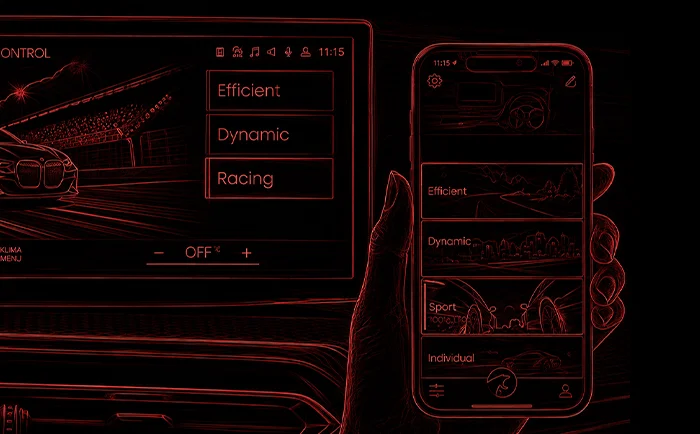
Your vehicle buttons switch the engine power, in sync with your drive modes.
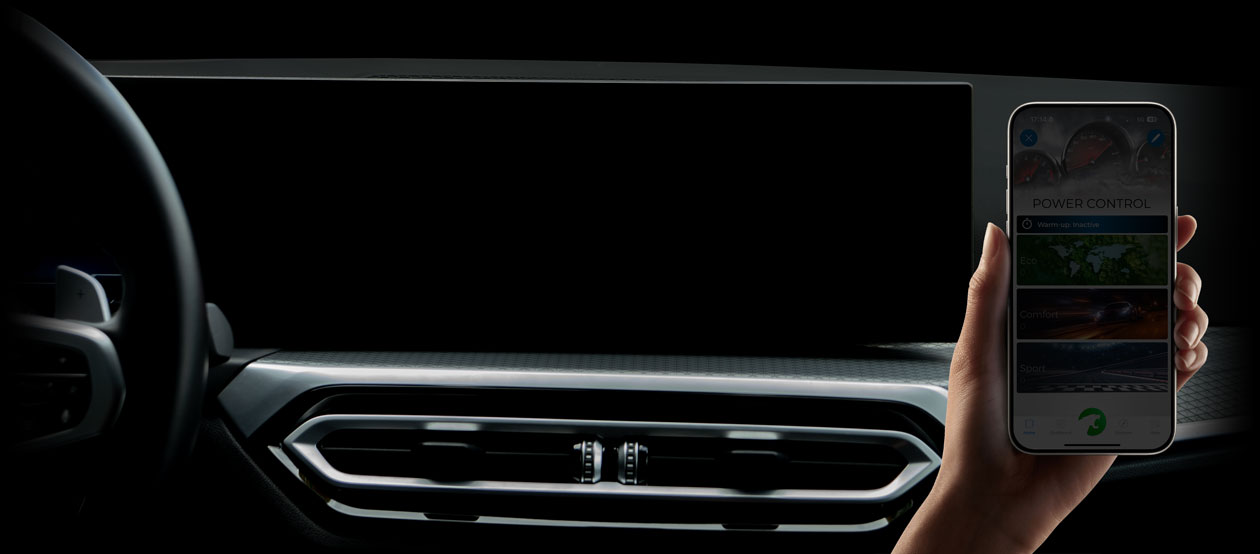
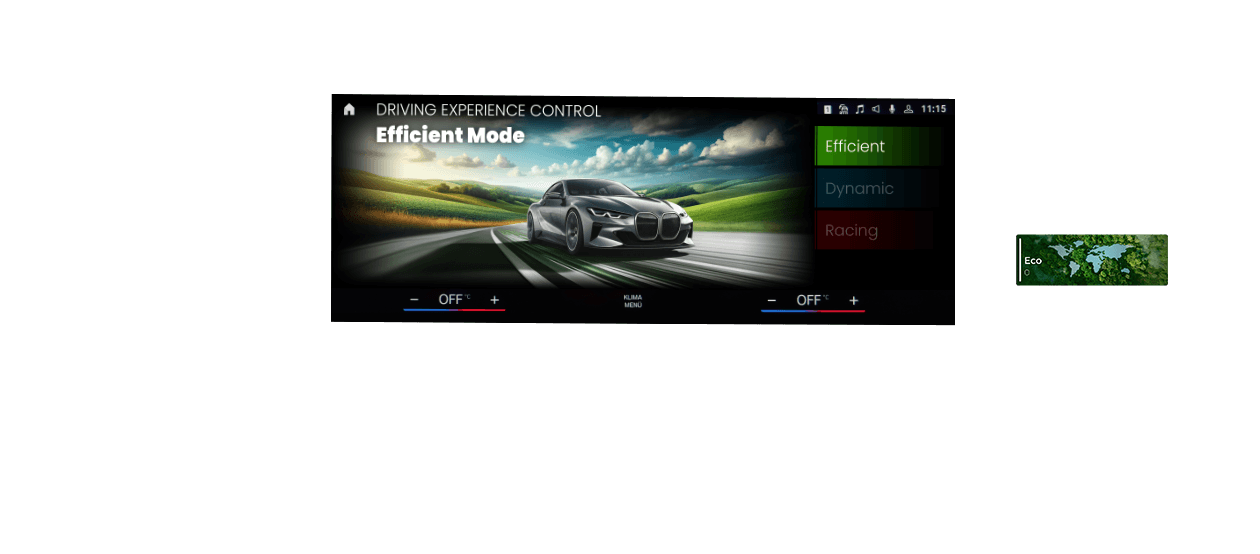
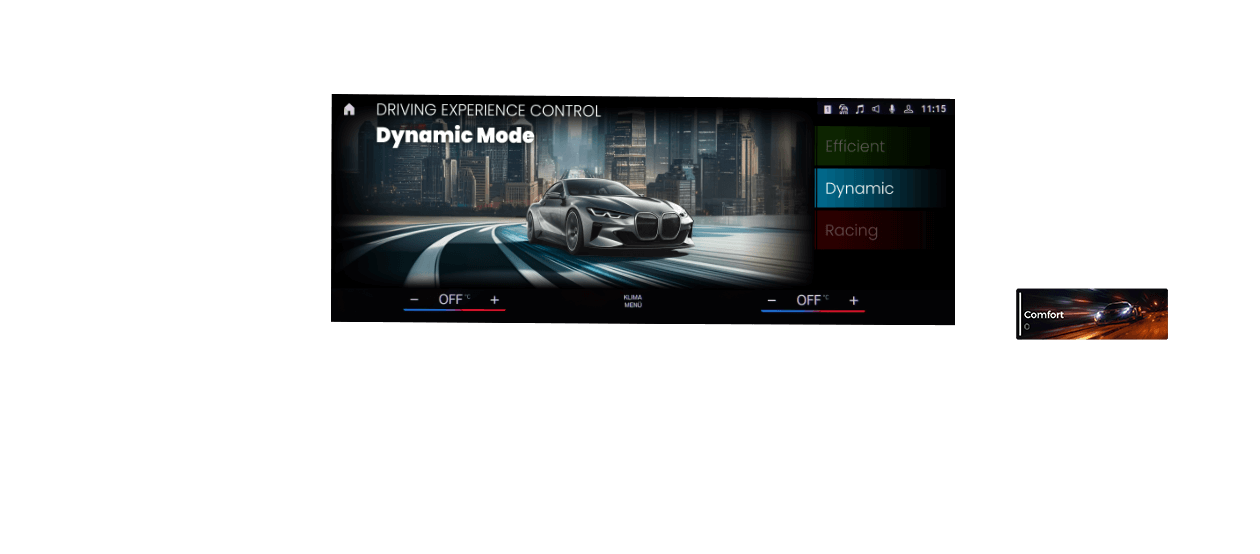
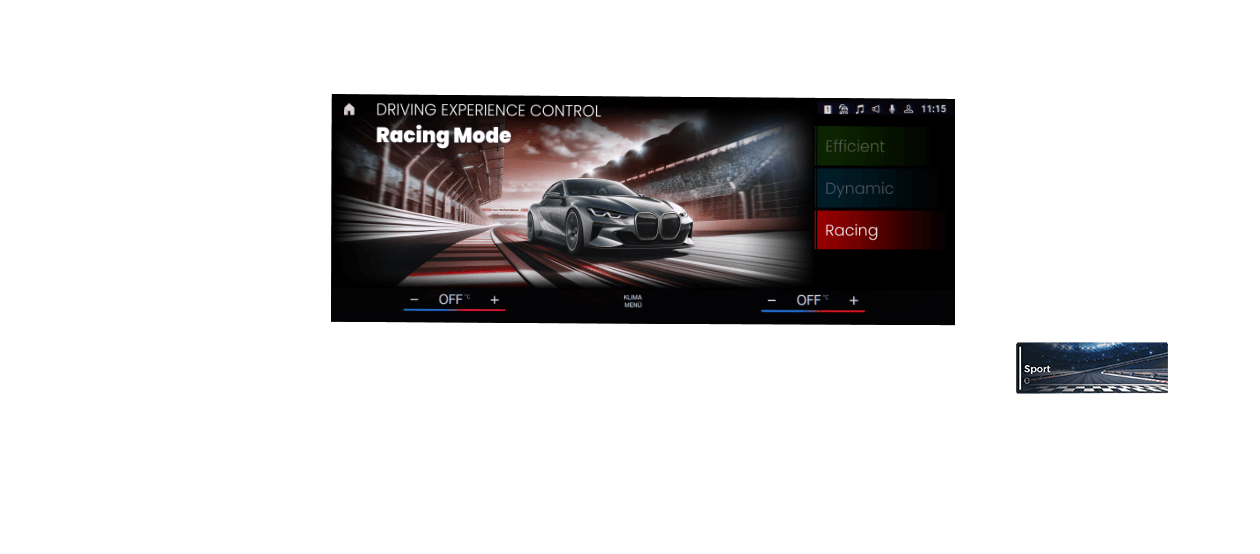
With the Maxhaust Bridge, you assign the PowerControl profiles directly to your vehicle buttons. That lets you perfectly synchronize your drive profiles with engine power. Activate your Sport drive profile, for example, and Power Control automatically delivers more hp:
The original button function is fully retained: safe and simple, even while driving.
Automation
Seamlessly connect every Maxhaust product to your vehicle’s buttons and states. The app’s Scenes feature makes it possible. Pick a trigger and watch how your engine responds.
Choose a trigger
How your engine responds
Just a few examples of many. Which triggers are available depends on your vehicle and its equipment. You can combine them freely in the app.
Leave your smartphone in your pocket while your car responds to your actions on its own. No changes to the vehicle software whatsoever, no voided warranty.
Vehicle buttons can be assigned multiple functions. A clever solution to get the most out of everything Maxhaust products can do.
Maxhaust App
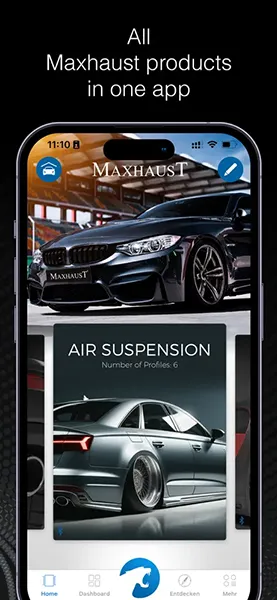
One ecosystem for all Maxhaust products.
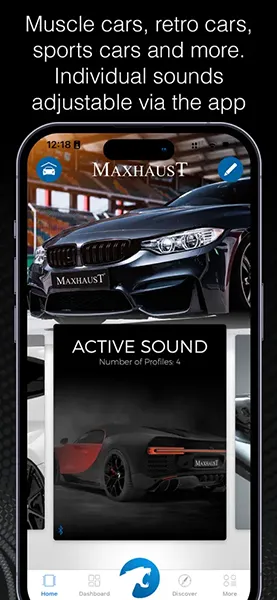
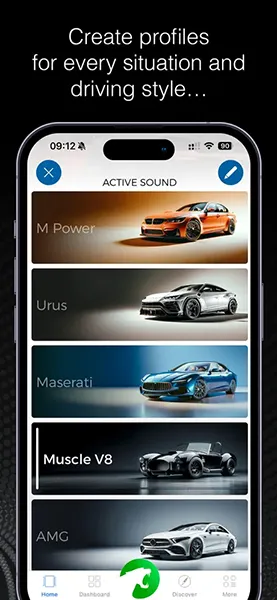
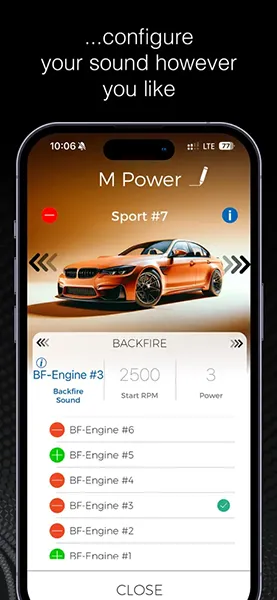
Programs, power levels, Warm-up Timer, and Scenes: everything is easy to set up in the Maxhaust app. Your settings are stored safely on the Bridge, so you don’t have to carry your smartphone with you all the time.
Download the app now and get started: on the App Store for iOS devices, on Google Play for Android devices.

 Media-CarTec GmbH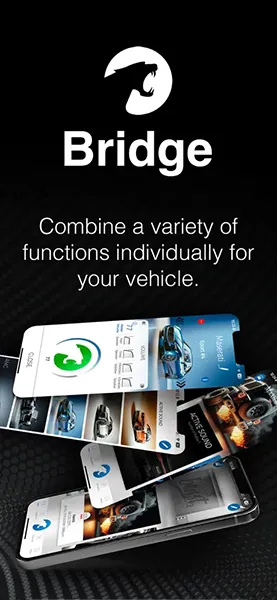
Installation
Do it yourself or leave it to the pros? PowerControl is Plug & Play, and we’re still by your side with help and advice whenever you need it.
The pre-configured PowerControl box comes with vehicle-specific connectors, mounting hardware, and an illustrated manual. It’s ready to use right after installation.
Configure nowRather leave it to us? The team at our Mainhausen factory or a certified installation partner near you will handle installation and setup for you.
Request an appointmentA TÜV parts certificate is included for over 4,000 vehicle models. You can easily get the modification approval done at TÜV, DEKRA, or KÜS. Check before you buy whether your vehicle needs one.
Open the configurator